Make a video call feel more like a conversation
A remote catch-up can become a series of interruptions when everyone is multitasking. A few small choices help make the available time feel more attentive.
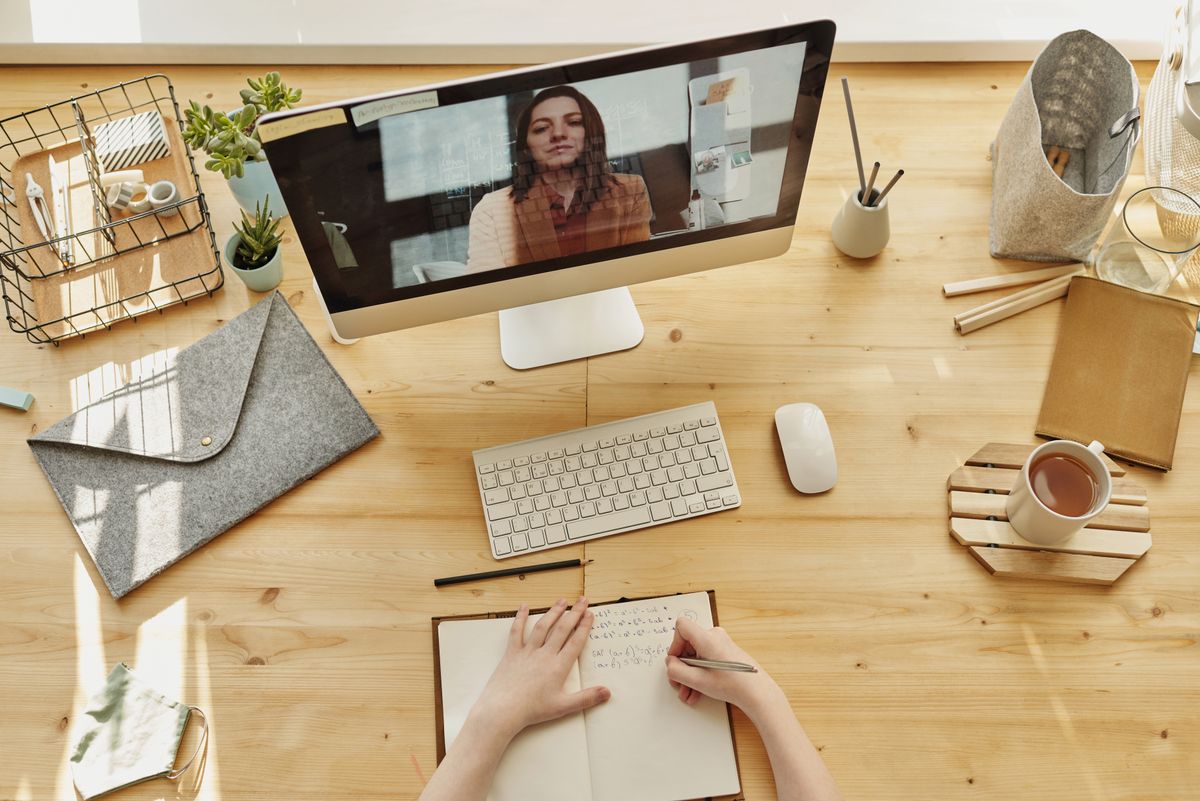
Agree on a manageable length
Suggest a short window and confirm the time zone when needed. A twenty-minute call that happens may be more useful than an ambitious plan repeatedly postponed. Let the other person know if you may be interrupted by care responsibilities or work.
Prepare the basics
Check audio, choose a comfortable place and close distracting notifications where practical. Headphones can help with privacy in a shared space. Avoid recording the conversation unless everyone has knowingly agreed.
Give the conversation an opening
Ask about something specific and leave space for the answer. If the connection drops, have an easy fallback such as a regular phone call or a later message. You do not need a list of interview questions; one thoughtful starting point is enough. End by acknowledging any plan you made rather than promising vaguely to talk “soon.” The small improvement is shared attention within the time you actually have, not reproducing every part of an in-person visit through a screen.
Have a correction or a question about this article? Contact the editorial team. Read our editorial policy and disclaimer.